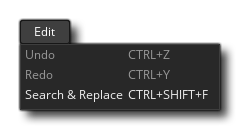
The edit menu is where you can use the general edition tools of the GameMaker Studio 2 interface. The available options are:
- Undo - Undo an action.
- Redo - Redo a previous action.
- Search and replace - This will open a search window which permits you to search through your entire code (including room creation code, scripts, and events) for a given input - see below for further information.
When you select Search and Replace from the Edit
menu, it will open the following window: 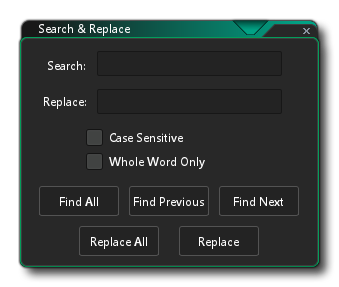
You can use this to search through all the scripted resources in your game, including room code, event code and scripts. This can be a general search, or you can make it case sensitive or look for the whole word only. You can also supply a string or value to use to replace the search term if found. The different buttons below these options permit you to choose what to so and how to perform the search. Note that when a reference to the search term is found, it will be opened in the current workspace and zoomed/panned to.
When you use this window to make a search, the results will be shown in the Search Output Window.